
Apple Pay and Google Pay can be used for deposits from AUD 20 on mobile.
This page covers how to open HolySpin on a phone, how to add it to the home screen on iOS and Android, what works on mobile, AUD payment limits in the mobile cashier and practical tips for Australian players.
The main facts about mobile access are summarised in the table below.
| Feature | Mobile browser details |
|---|---|
| Download required | No - runs entirely in the browser |
| Native app | Not available in the App Store or Google Play |
| iOS access | Safari, Chrome or Firefox on iPhone and iPad |
| Android access | Chrome, Firefox, Samsung Internet or another modern browser |
| Home screen shortcut | Available on iOS and Android |
| Game catalogue | Same 2,500+ titles as desktop |
| AUD cashier | Full deposits and withdrawals |
| Mobile wallets | Apple Pay and Google Pay for deposits |
| Bonuses | Welcome package and all weekly offers |
| Live casino | Six live providers streamed in the browser |
| Security | Two-factor authentication available |
| Updates | Automatic - no manual updates |
Is there a HolySpin casino app for Android or iOS?
No. HolySpin does not publish a downloadable app on either platform, and any file presented as a "HolySpin APK" on a third-party site is not issued by the casino. Installing such files puts the device and login details at risk.
The casino instead uses a web app: a version of the site built for touch screens that loads in the browser. Because it is the same platform as desktop, new games and promotions appear on mobile at the same time, and there is nothing to update. It also takes no storage space on the phone beyond normal browser cache.
How to access HolySpin casino on mobile
Opening the casino on a phone takes the same steps on any device. The site detects the screen size and switches to the mobile layout automatically.
- Open Safari, Chrome or another browser on your phone.
- Type holyspinn.com in the address bar.
- Tap Log In to sign in or Sign Up to register.
- Use the menu icon to reach categories, promotions and the cashier.
- Open any game tile to play directly in the browser.
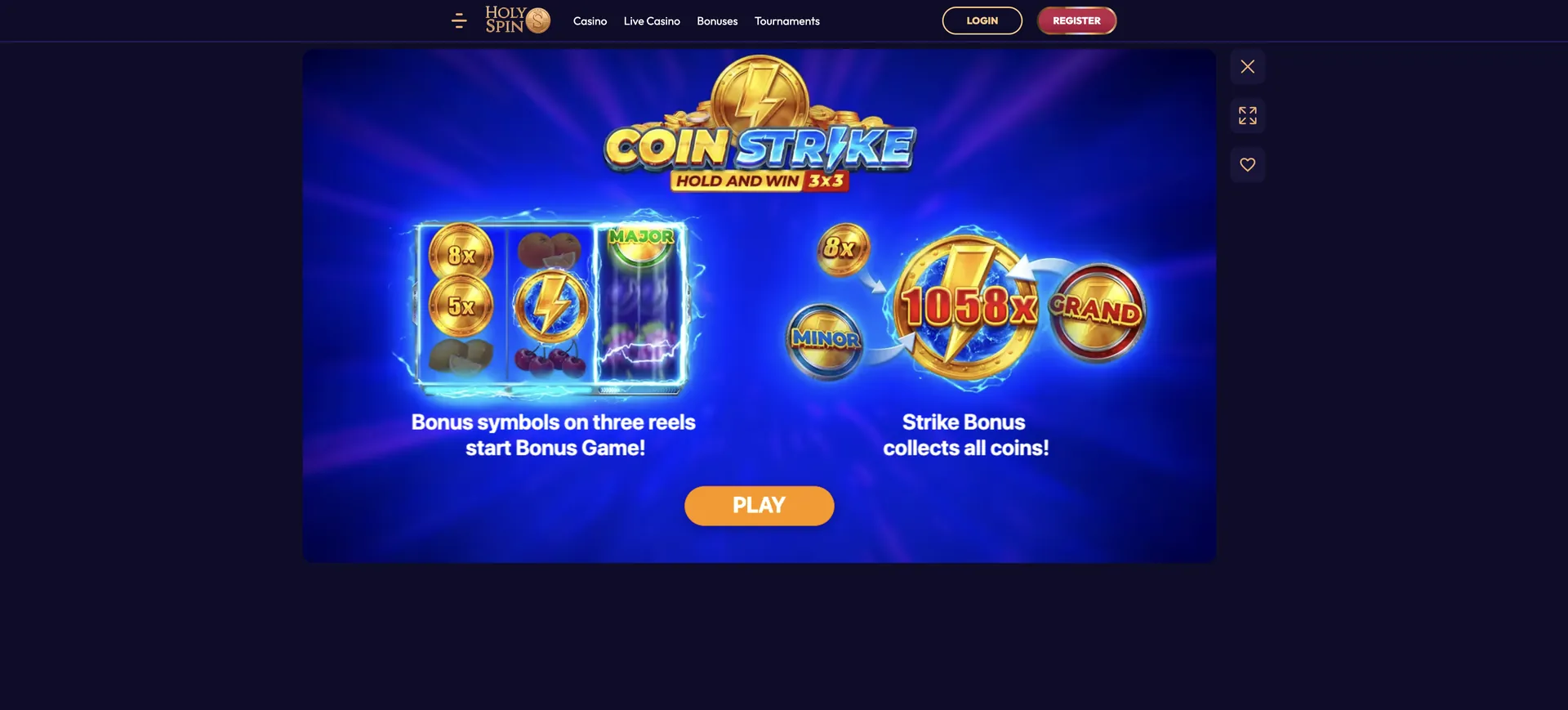
How to add HolySpin casino to your home screen
A home screen shortcut gives one-tap access and opens the web app without the browser's address bar, so it looks and behaves like an installed app. It takes under a minute to set up.
iOS instructions (Safari)
On iPhone and iPad the shortcut is created through the Safari share menu.
- Open holyspinn.com in Safari.
- Tap the Share icon (the square with an upward arrow).
- Scroll down and tap Add to Home Screen.
- Keep the name "HolySpin" or change it, then tap Add.
- Open the casino from the new icon on your home screen.
Android instructions (Chrome)
On Android the shortcut is added from the Chrome menu, and the steps are similar in other browsers.
- Open holyspinn.com in Chrome.
- Tap the three-dot menu in the top-right corner.
- Choose Add to Home screen.
- Confirm the name and tap Add.
- Place the icon on your home screen and tap it to open the casino.
Features available on mobile
The HolySpin casino app in the browser is not a reduced version of the site. Every section from desktop is available on mobile.
- Pokies: titles from Pragmatic Play, Playtech, BGaming, Booongo, Playson and other studios, with the same categories and provider filters.
- Live casino: tables from Playtech, Pragmatic Play, Winfinity, Vivo Gaming, Plati+ and Enjoy Gaming.
- Cashier: deposits, withdrawals, transaction history and bonus selection.
- Promotions: the welcome package, daily offers and tournaments.
- Account: verification uploads, loyalty level, security settings and responsible gambling tools.
- Support: live chat directly from the mobile site.
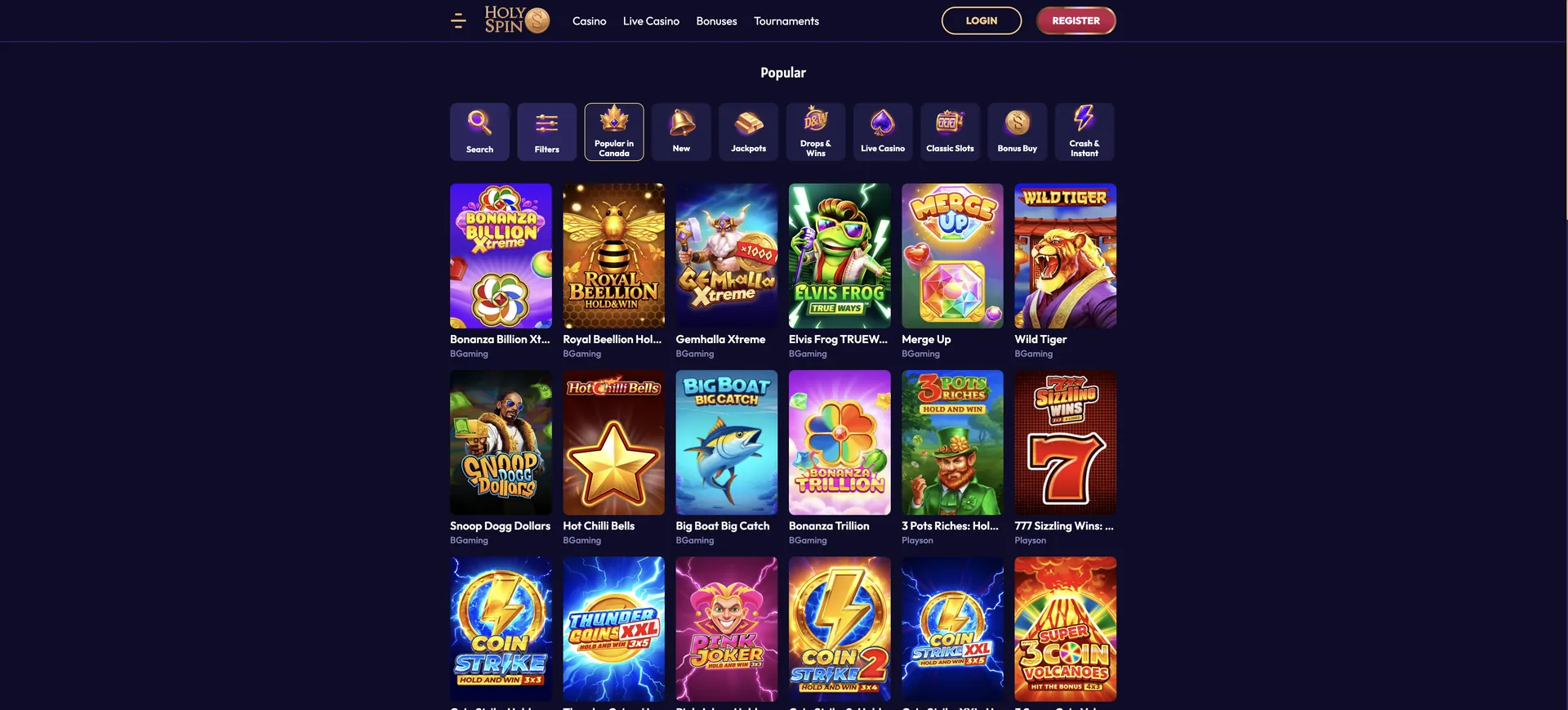
Performance on mobile
Because there is no separate app build, mobile performance depends mainly on the phone, the browser and the connection rather than on the casino.
- Pokies: games run in HTML5 with no plugins and adapt to portrait or landscape mode depending on the title.
- Live casino: streams adjust their quality to the connection speed, so a stable 4G or 5G signal is enough for most tables.
- Storage: the web app uses browser cache only, which can be cleared at any time.
- Battery and data: live dealer streams use the most data and battery; pokies use much less.
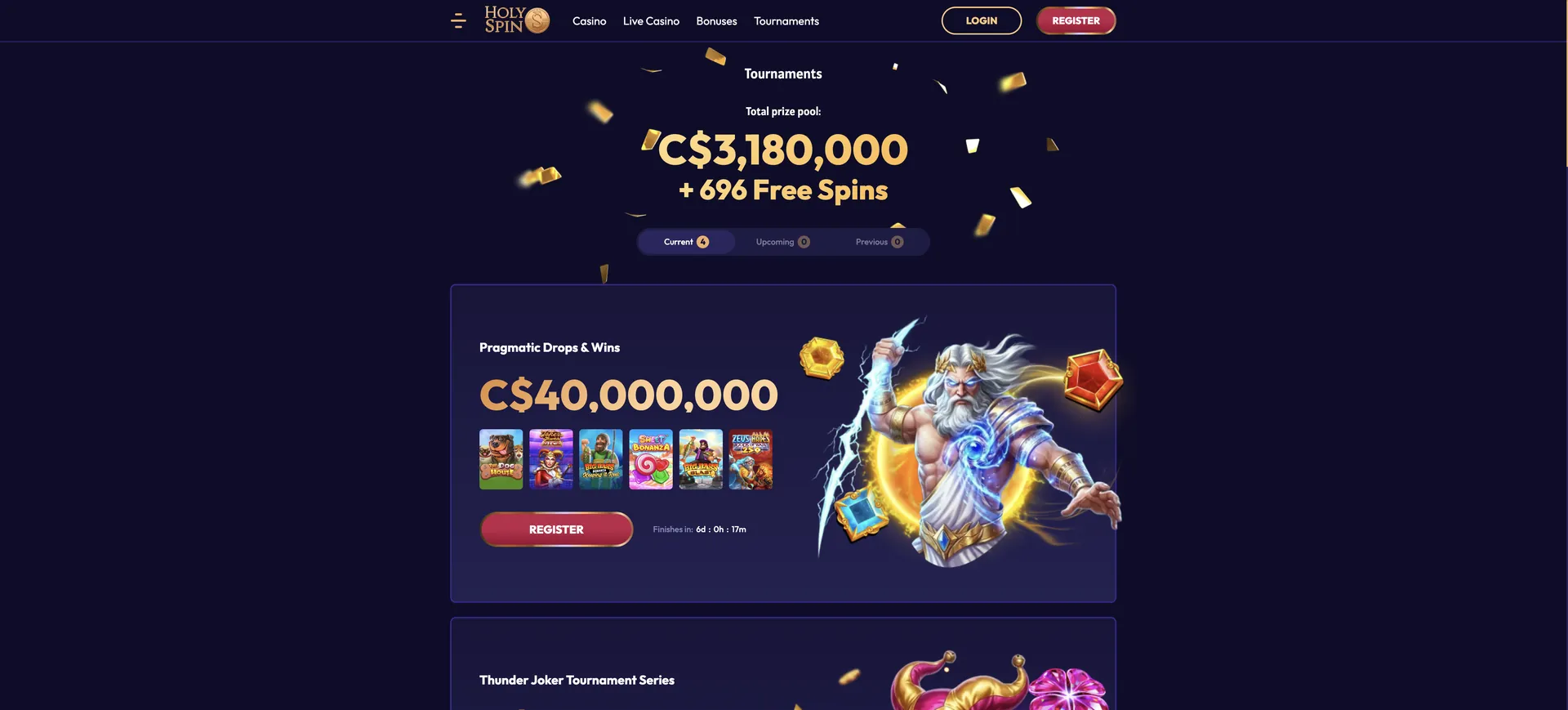
Mobile payments and withdrawals in AUD
The mobile cashier is identical to desktop, with one practical difference: Apple Pay and Google Pay are easiest to use on a phone. Both are deposit-only, so a card, Skrill or crypto wallet is needed for withdrawals.
| Method | Deposit (AUD) | Withdrawal (AUD) |
|---|---|---|
| Apple Pay | From 20 | Not available |
| Google Pay | From 20 | Not available |
| Visa | 20 - 1,500 | 50 - 1,000 |
| Mastercard | 20 - 3,000 | 50 - 1,000 |
| Skrill | 20 - 3,000 | 50 - 1,000 |
| Bitcoin, Ethereum, USDT | From 20 | 50 - 1,000 |
Withdrawals are also limited to AUD 1,000 per day and AUD 15,000 per month on every device. More detail is on the HolySpin casino withdrawal page.
Security on the mobile version
The mobile site uses the same secure connection and account protections as desktop. Two-factor authentication can be enabled in the account settings and then applies to logins from any device.
Verification (KYC) works on mobile too. After the first deposit, HolySpin asks for a photo ID, proof of address and proof of payment, and these can be photographed with the phone camera and uploaded directly in the account area. A short video verification may also be requested, which is easy to complete from a phone. Clear, uncropped photos with all four corners of the document visible are approved fastest.
Usage tips for Australian players
A few habits make mobile play on HolySpin smoother and protect the bonus balance.
- Choose the bonus in the cashier before tapping deposit; the selection is easy to miss on a small screen.
- Keep bets at or below AUD 7.50 per spin while a bonus is active.
- Use Wi-Fi for long live casino sessions to save mobile data.
- Remember that weekly promotions follow UTC, so in Sydney a promotion day starts at 11:00 during daylight saving.
- Set up Skrill or a crypto wallet for withdrawals if you deposit with Apple Pay or Google Pay.
- Enable two-factor authentication, since phones are lost more often than laptops.
FAQ about the HolySpin casino app
Answers to the most common questions about playing HolySpin on a phone in Australia.
Is there a HolySpin casino app to download?
No. HolySpin works as a web app in the mobile browser and does not offer a downloadable app for iOS or Android.
Can I add HolySpin to my iPhone home screen?
Yes. In Safari, tap Share and choose Add to Home Screen to create a shortcut that opens the casino in one tap.
Are all games available on mobile?
Yes. The mobile site has the same catalogue as desktop, including pokies, table games and live dealer tables.
Can I claim bonuses on mobile?
Yes. The welcome package and every weekly offer can be selected in the mobile cashier before a deposit.
Can I withdraw with Apple Pay or Google Pay?
No. Both are deposit-only. Withdrawals go to Visa, Mastercard, Skrill, Bitcoin, Ethereum or USDT.
Is the HolySpin mobile site secure?
The mobile site uses the same protections as desktop, including optional two-factor authentication on login.
Do I need to update the HolySpin web app?
No. Updates happen on the server side, so the latest version loads every time the site is opened.