
The same login works in a desktop browser and on iPhone or Android without any app. If login fails, use the "Forgot password" link to receive a reset email. If that does not help, contact live chat or [email protected].
HolySpin accounts are protected by a password and optional two-factor authentication, and only one account per person is allowed. Keeping login details private and enabling the extra code step are the two main defences, especially for Australian players who keep a crypto wallet or Skrill account linked to their profile.
The table below sums up how signing in works at HolySpin casino.
| Login essentials | Details |
|---|---|
| Where to log in | Log In button in the header of holyspinn.com |
| Login method | Email address and password |
| Two-factor authentication | Available, enabled in account settings |
| Password reset | Via a link sent to the registered email |
| Device support | Desktop and mobile browsers on Windows, macOS, iOS and Android |
| Session security | Log out on shared devices; one account per person |
| When verification appears | After the first deposit, before the first withdrawal |
| Currency | AUD |
| Support | Live chat and [email protected] |
How to log in to HolySpin casino
The HolySpin casino login form is a short pop-up that opens on top of the current page, so the lobby stays in place after signing in. It works the same on a laptop, tablet or phone.
Step-by-step login
Signing in takes less than a minute when the email and password are at hand.
- Open holyspinn.com in your browser.
- Click Log In in the header.
- Enter the email address you registered with.
- Type your password - it is case-sensitive.
- Enter the one-time code if two-factor authentication is on.
- Confirm and wait for the lobby to reload with your AUD balance shown.
Once logged in, the header shows the balance, a cashier button and the profile menu. If the balance does not appear, refresh the page once; a missing balance after a refresh usually points to an expired session, which is fixed by logging in again.
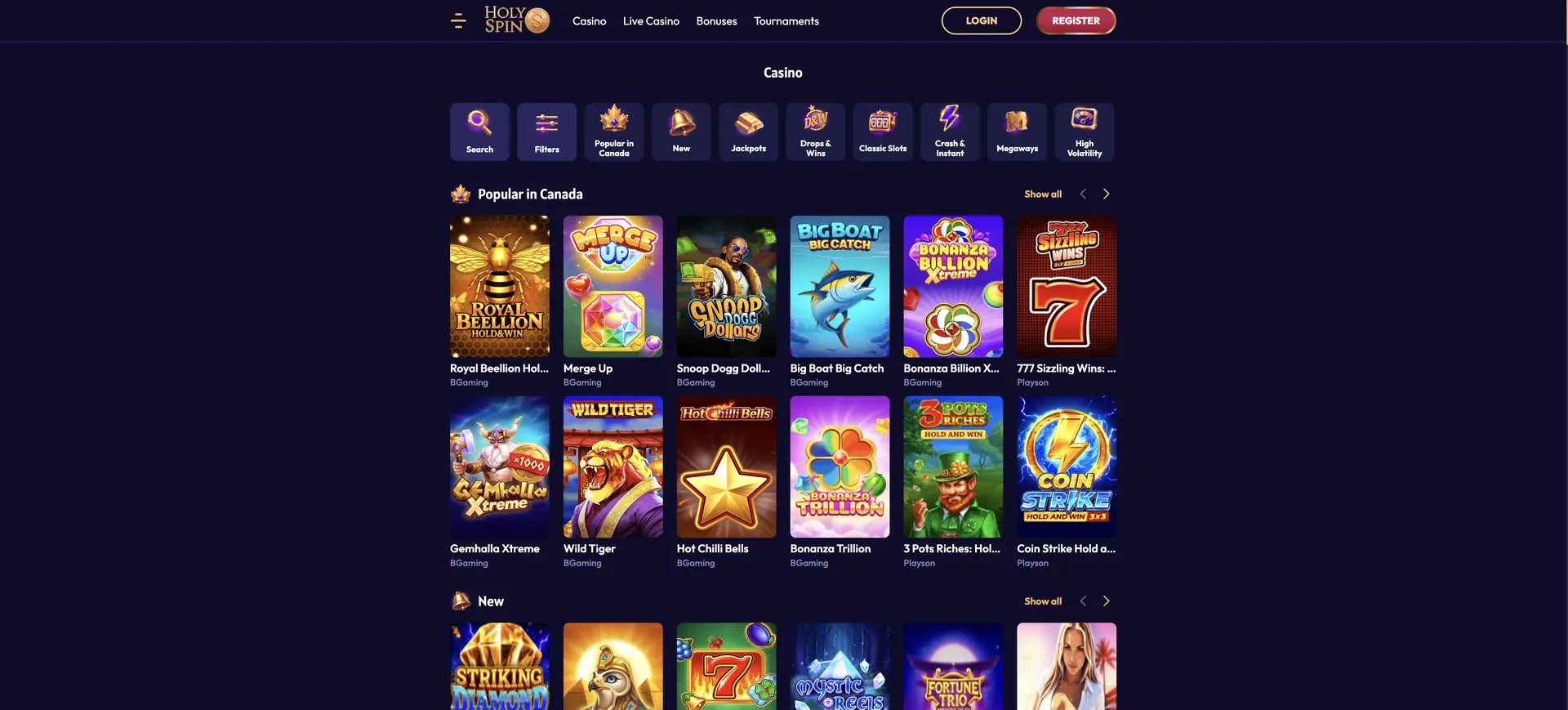
Create an account if you do not have one
The login form only works for existing accounts. New players need to register first, which takes a few minutes and requires personal details that will later be checked against identity documents.
Quick registration flow
The sign-up form asks for more than an email, so having your ID nearby helps enter the details exactly as they appear on it.
- Click Sign Up in the header.
- Enter email and a strong password.
- Add first name, last name, date of birth and gender.
- Enter your Australian residential address and phone number.
- Add a promo code in the form if you have one.
- Confirm you are 18+ and accept the terms.
After registration, the welcome bonus is selected in the cashier before the first deposit. Details of all four welcome offers are on the HolySpin casino bonus page.
Secure login practices
A casino account holds money and personal documents, so it deserves the same protection as an online banking login. The habits below cover the main risks.
- Enable two-factor authentication: even a leaked password is not enough to access the account without the second code.
- Use a unique password: do not reuse the password from your email or other casinos.
- Type the address yourself: open holyspinn.com directly or from a saved bookmark rather than from links in unsolicited messages.
- Avoid public Wi-Fi for deposits: use mobile data or a trusted home network when using the cashier.
- Log out on shared devices: and avoid letting a shared browser save your password.
- Keep the account to yourself: HolySpin allows one account per person, and sharing access breaks the terms.
Password recovery
A forgotten password is reset by email, and the process takes a few minutes. The reset link is sent only to the address registered on the account, so access to that inbox is required.
Reset steps
The reset link has a limited lifetime, so it is best to use it as soon as it arrives.
- Click Log In, then the Forgot password link.
- Enter the email address registered on your account.
- Open the reset email from HolySpin and check the spam folder if it is missing.
- Click the link and choose a new password.
- Log in with the new password.
If the email never arrives, the account may be registered with a different address. In that case, contact live chat with your full name and date of birth so the agent can locate the account.
HolySpin casino login on mobile
HolySpin has no native app, so mobile login happens in Safari, Chrome or another mobile browser. The form, password reset and two-factor step are the same as on desktop.
Tips for mobile
A few small settings make logging in on a phone faster and safer.
- Add the site to your home screen for one-tap access; see the HolySpin casino app page.
- Use the phone's built-in password manager rather than a saved note or photo.
- Keep the authenticator app or code source on a different device where possible.
- Turn off private browsing if you want the session to stay active between visits.
Troubleshooting common login errors
Most failed HolySpin casino login attempts come from four causes. Each is listed below with the fix that usually works.
Incorrect credentials
An "invalid email or password" error means one of the two does not match the account. Check for an extra space at the end of the email, confirm caps lock is off and make sure the email is the one used at registration. If it still fails, reset the password instead of trying repeatedly, since too many attempts may temporarily lock the login.
Browser or cache issues
If the form does not open, or login succeeds but the page stays logged out, stored browser data or an extension is usually the cause.
- Clear the cache and cookies for holyspinn.com and reload.
- Disable ad blockers or script blockers for the site.
- Try another up-to-date browser such as Chrome, Safari or Firefox.
- Check the date and time on your device, since a wrong clock can break secure sessions.
Two-factor code fails
Codes from authenticator apps are time-based and expire quickly, so a code that fails should not be retyped; wait for the next one. Make sure the phone's time is set automatically. If the device holding the codes is lost, contact support, which will ask for identity confirmation before resetting two-factor authentication.
Account blocked
An account can be restricted for several reasons: a second account registered by the same person, an active self-exclusion, unfinished verification or a check by the security team. Accounts with no activity for 12 months are also treated as inactive. Live chat or [email protected] can confirm the reason and the steps to restore access. Self-exclusion cannot be lifted early through support.
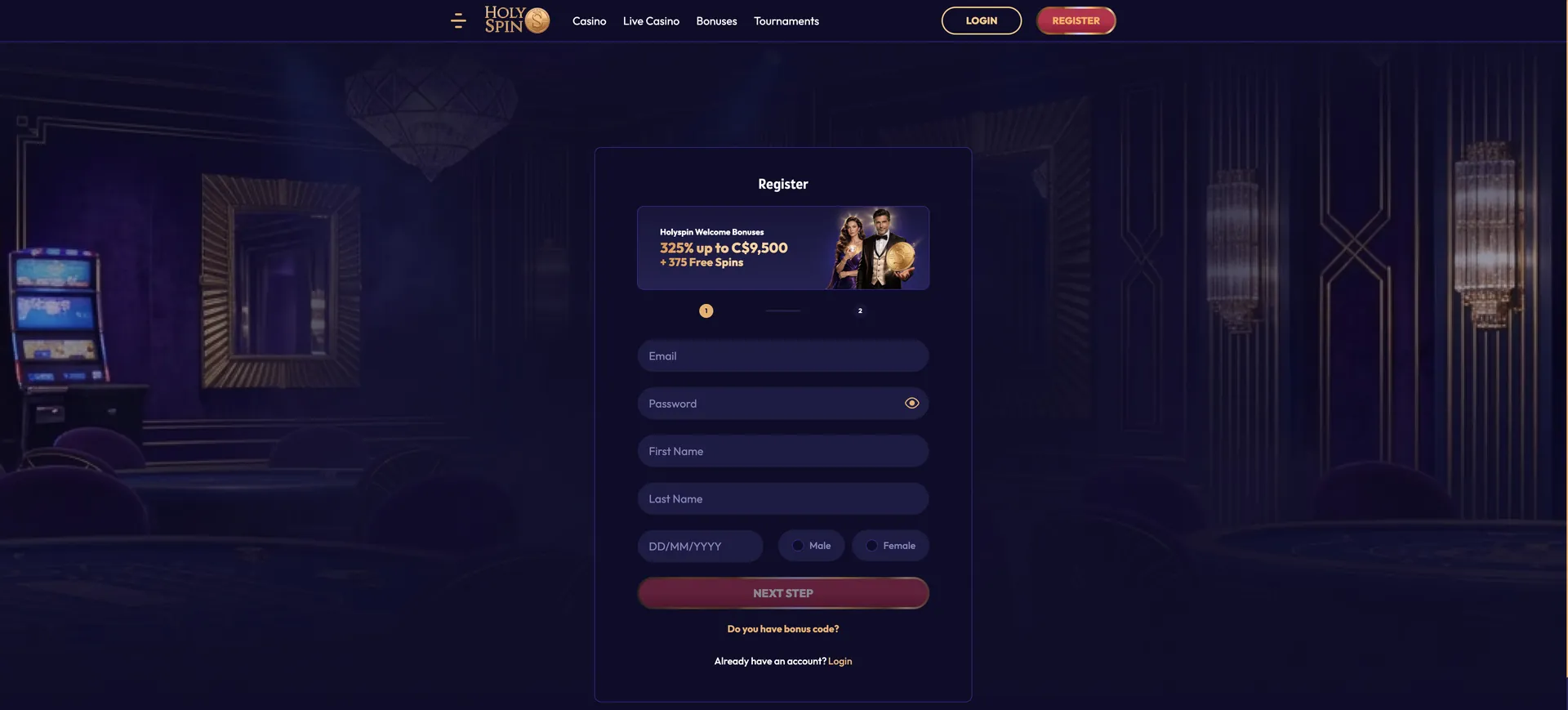
What you access after login
After signing in, the HolySpin account area brings together everything related to money, bonuses and account settings.
- Cashier: deposits from AUD 20 and withdrawals from AUD 50.
- Bonuses: choosing an offer before deposit and tracking wagering progress.
- Transaction history: all deposits, withdrawals and their status.
- Verification: uploading ID, proof of address and proof of payment.
- Loyalty level: current level out of 11 and progress to the next.
- Security: password change and two-factor authentication.
- Responsible gambling: self-assessment and self-exclusion.
Account verification (KYC)
Verification is not part of login, but it affects what a logged-in player can do. HolySpin requests documents after the first deposit, and the first withdrawal is not paid until they are approved.
Three documents are needed: a photo ID, a proof of address dated within the last few months and proof that the payment method belongs to the account holder. They can be uploaded in the account area or sent to [email protected], and a short video check may be requested. The name and address on the documents must match the registration details exactly. More on payout timing is on the HolySpin casino withdrawal page.
FAQ about HolySpin casino login
Quick answers to the most frequent sign-in questions from Australian players.
How do I log in to HolySpin casino?
Click Log In in the header of holyspinn.com, enter your email and password, and add the one-time code if two-factor authentication is enabled.
Can I log in with a phone number?
No. HolySpin uses email and password for login. The phone number from registration is used for account details, not as a username.
What should I do if I forgot my password?
Use the Forgot password link in the login form, enter your registered email and follow the reset link sent to your inbox.
Does HolySpin casino support two-factor authentication?
Yes. It can be turned on in the account security settings and adds a one-time code to each login.
Why is my account blocked?
Common reasons are a duplicate account, self-exclusion, incomplete verification or a security review. Live chat can confirm which applies.
Can I use the same login on mobile and desktop?
Yes. One HolySpin account works on every device, with the same AUD balance and bonuses.
Do I need to verify my account to log in?
No. Login works straight after registration, but verification is required after the first deposit and before any withdrawal.